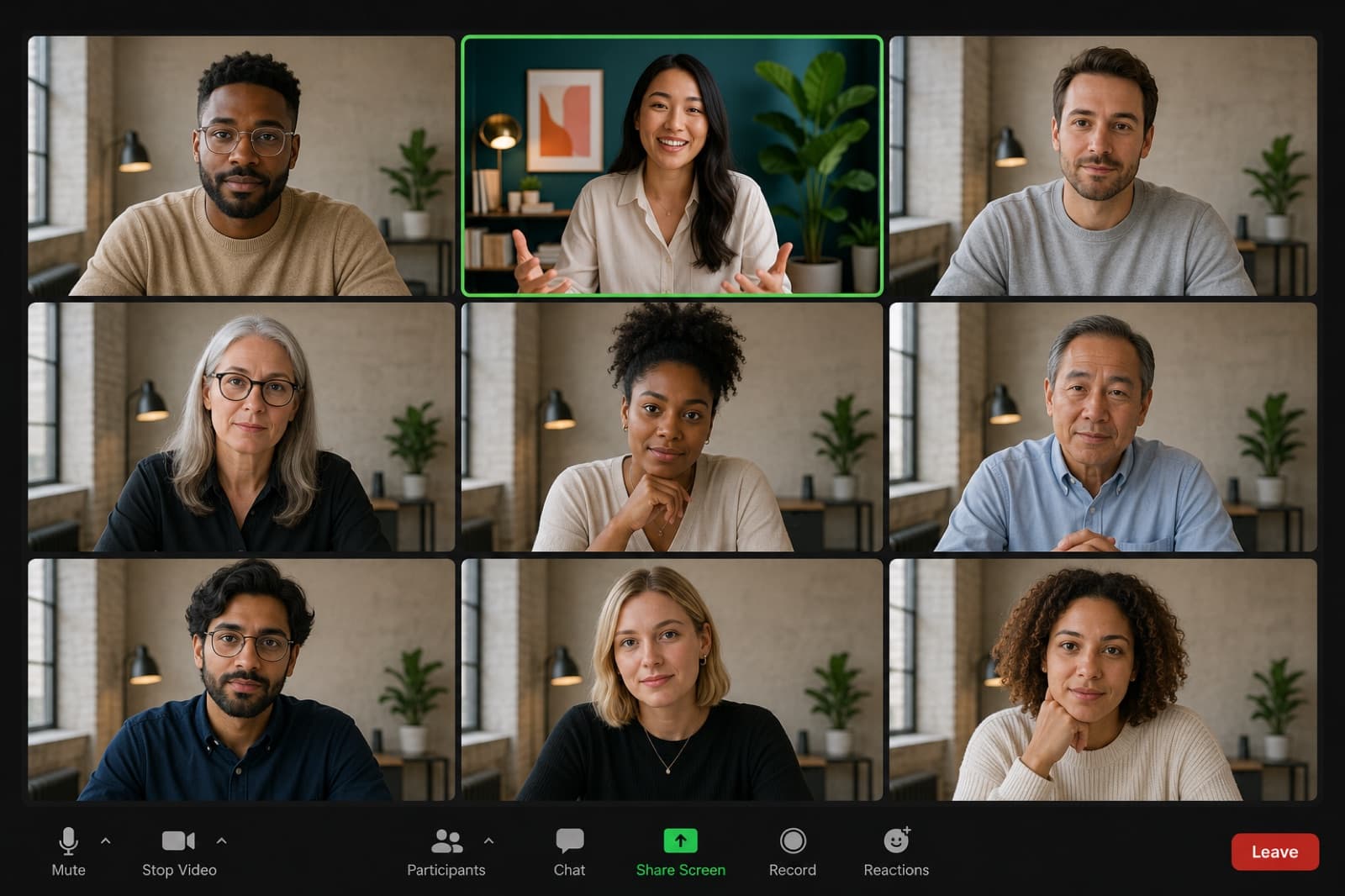
Monday kickoff · 9 people
RecHow it works
Three choices. One room that’s unmistakably yours.
Setting
Pick a vibe.
Cozy library, mid-century, sunlit patio — eight directions to start from, each tuned to read well behind a face on a small screen. Not a template you fill in; a fresh room every time.
Mood
Light it like your room.
Match the temperature and direction of your real light, so the scene sits behind you like it was photographed there — not pasted in.
CoolWarm · from the leftPersonal
Make it unmistakably yours.
Describe what belongs in your space. Backdroply works your books, plants, and small treasures into the scene, then hands you a crisp 1920×1080 download for Zoom, Teams, Meet, or Webex.
“A record player on the credenza, shelves of paperbacks, my monstera, and the dog’s bed in the corner…”✓ Monstera✓ Record player+ Paperback novels+ Golden retriever
The vibes
Eight directions. No two rooms alike.
These aren’t stock photos or fixed templates — think of them as moods. Pick one and Backdroply builds a brand-new room in that style around your lighting and the things you mention, so the background is yours alone. Each is framed to keep your face clear and nothing odd sprouting from your shoulders.
Cozy library
Warm wood, lamplight, shelves that look read
Modern office
Glass, skyline, calm authority
Mid-century
Walnut, brass, a sunburst clock
Home office
Lived-in, pinboard and pothos
Industrial loft
Brick, steel windows, Edison bulbs
Minimalist
One frame, one fig, room to think
Patio
Pergola shade and string lights
Bookish den
Dark shelves, ember-lit evenings
Illustrations show the vibe, not the output — your real background is photographic and generated fresh every time.
Made to fit
Sized to spec for every meeting app.
One crisp 1920 × 1080 download works everywhere. We keep guides for each app’s quirks — mirroring, blur, where the setting hides.
Questions
Asked, answered.
What is Backdroply?
Backdroply is an AI tool that designs personalized virtual backgrounds for video calls. You pick a room vibe, match your real lighting, and describe the things that belong in your space — it generates a high-resolution background built around you, not a stock photo.
Which meeting apps do Backdroply backgrounds work with?
Every background downloads as a crisp 1920×1080 image, the format Zoom, Microsoft Teams, Google Meet, and Webex all accept for custom virtual backgrounds. If an app can use a custom background image, a Backdroply file will work.
Do I need a green screen?
No. Backdroply generates a realistic background image; your meeting app’s own background feature handles placing it behind you. Matching the scene to your real lighting — which the wizard walks you through — is what makes the edge look natural without a green screen.
How is this different from free stock backgrounds?
Stock backgrounds are someone else’s room, and everyone has seen them. Backdroply composes a scene around your inputs — your vibe, your light direction and warmth, and the books, plants, instruments, or keepsakes you mention — so the result reads as a real room that could only be yours.
How much does it cost?
Backdroply is free to try during launch: sign in and you get launch credits, and one credit produces one full-resolution, watermark-free background. Paid credit packs are coming soon.
Why does my virtual background look blurry on calls?
Usually the source image is too small and the app is scaling it up. Backdroply outputs at 1920×1080 so there’s no upscaling. If it still looks soft, check that your camera is set to HD in your meeting app and that "adjust for low light" isn’t smearing the feed.